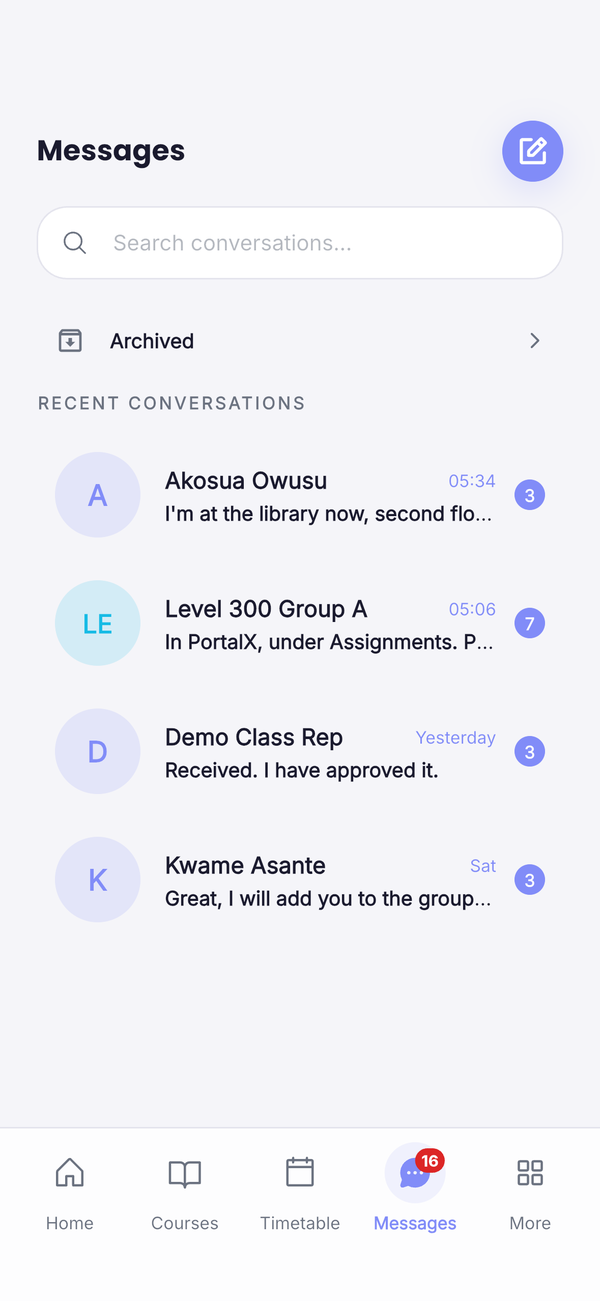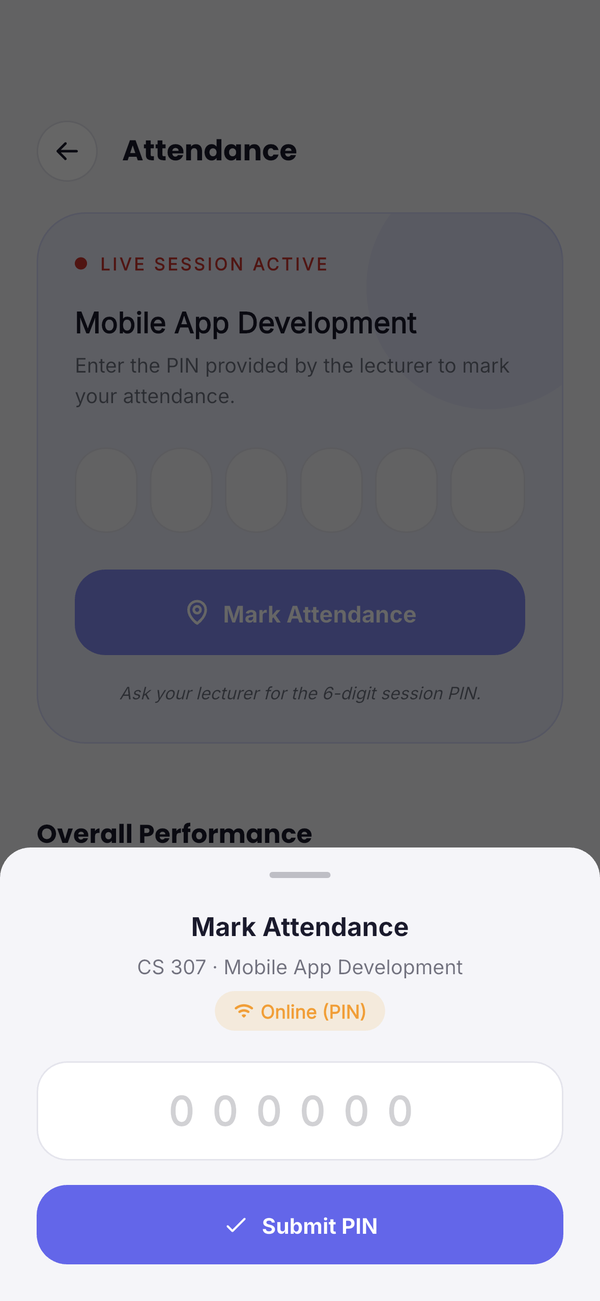

Attendance, timetables, assignments, exams, course materials and class chat in one place, so nobody has to dig through group chats for the latest notice.
One place for everything your school runs on
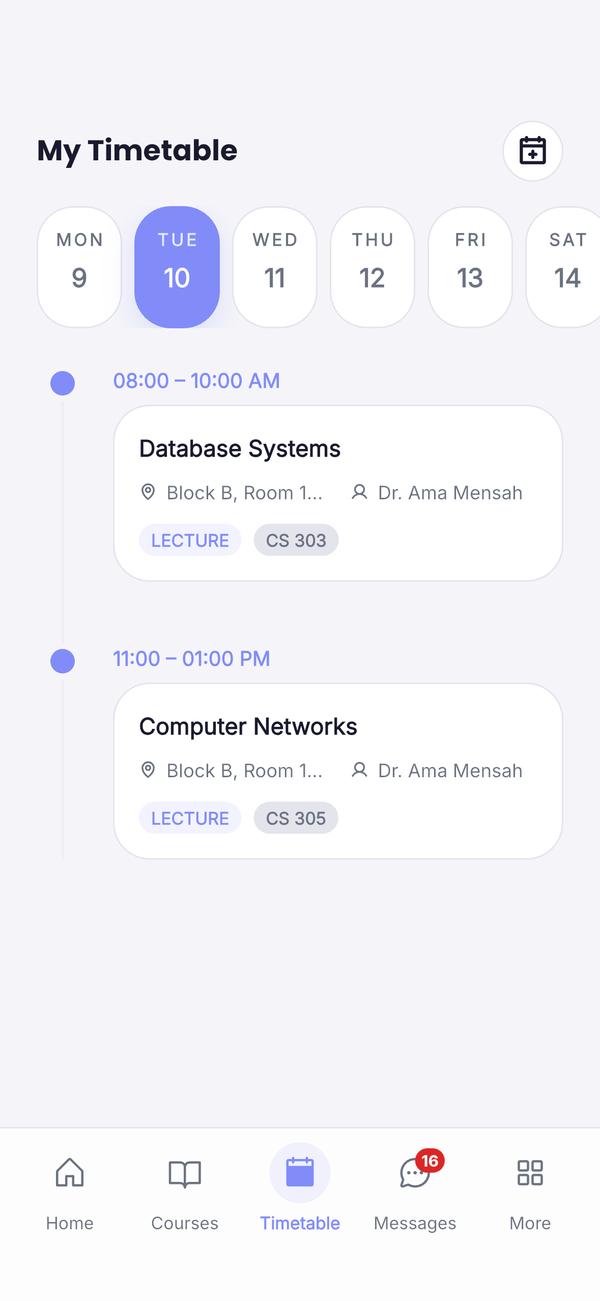
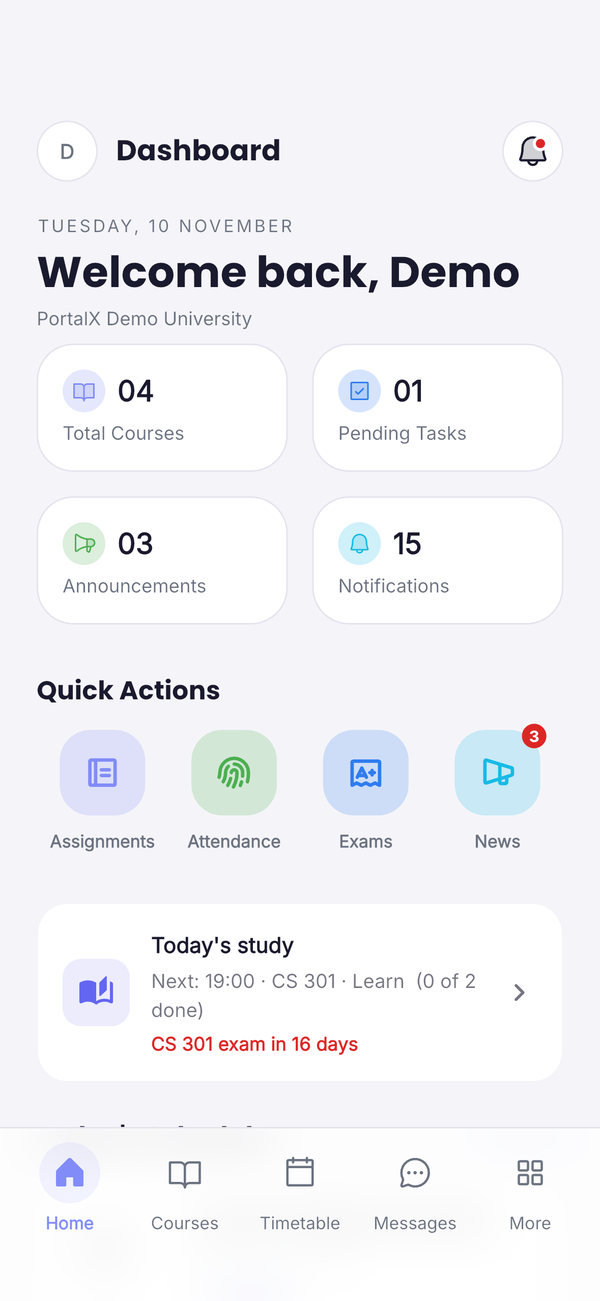
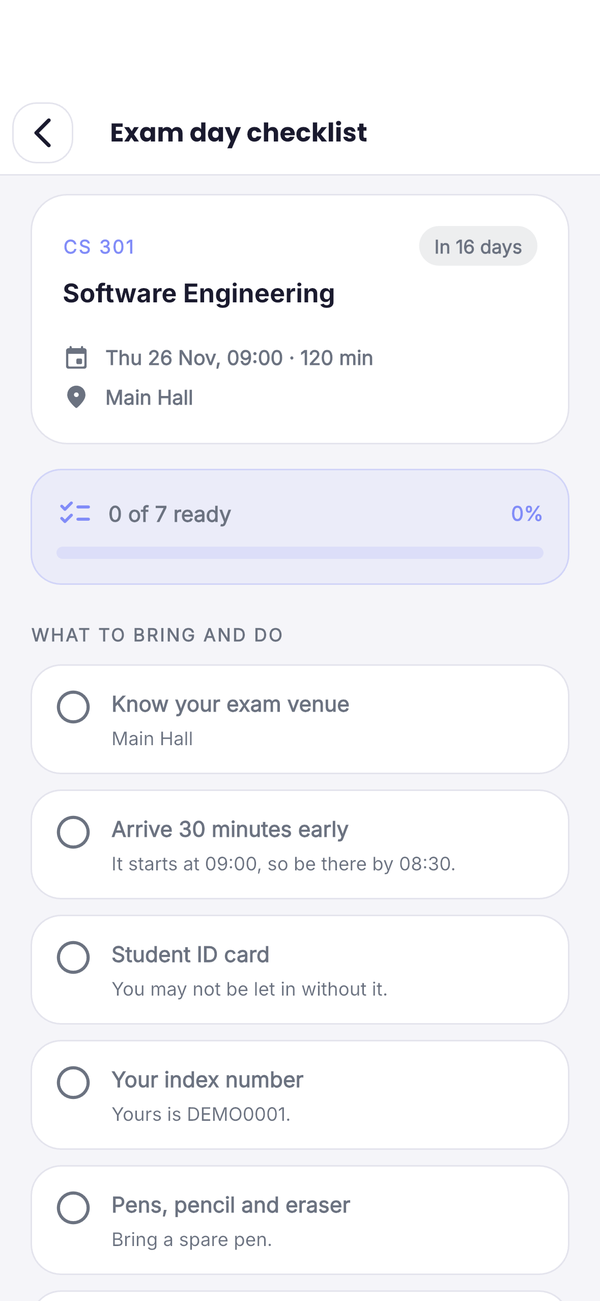
Where to be, whether you were marked present, and when the next exam is. PortalX answers all three before you ask.
Every tool a student uses has a matching tool for class reps and admins, so the whole class works from the same information.
Read the brief, submit your work and keep every deadline in one list.
Slides, notes and past questions, sorted by level, course and semester.
Chat with your class, and make voice and video calls from the Android app.
Notices from your department and class reps, sent straight to your phone.
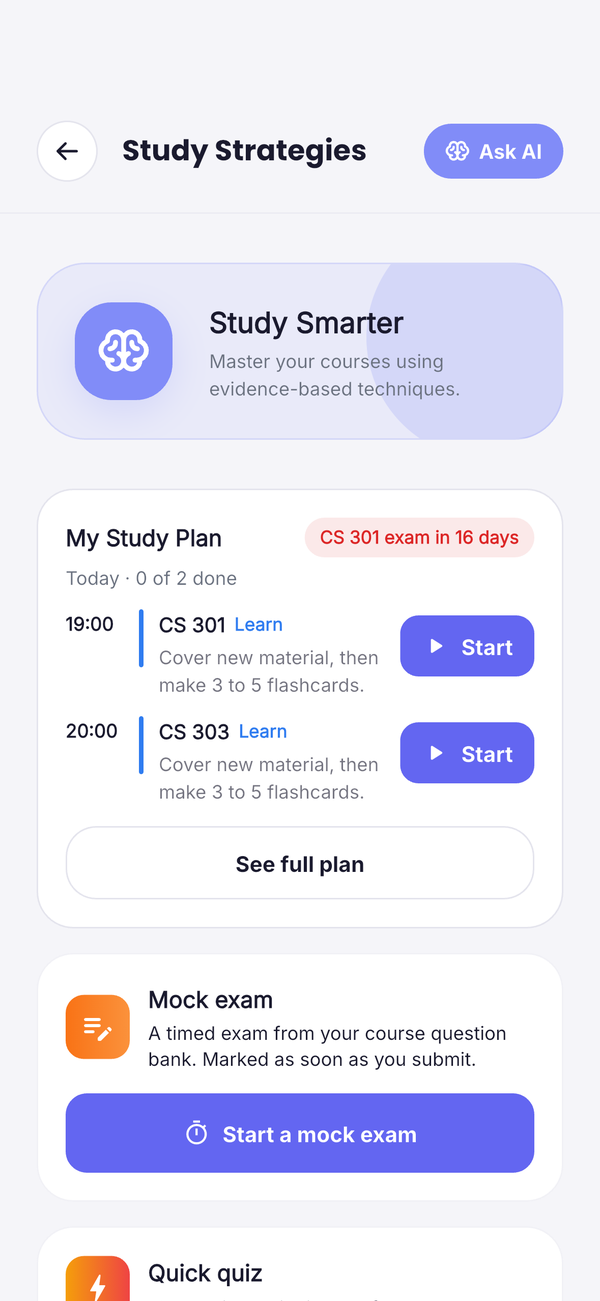
Plan for exams, revise with flashcards and focus with a timer for each course.
Class reps export a ready-made attendance sheet in Excel or PDF in one tap.
Admins set up levels, groups and courses once, and students see only what's theirs.
Know the moment a class is cancelled or a new assignment is posted.
Every new student is approved by their school's admin before they get in.
Answers to what students and schools ask most about signing up and using PortalX.
Students of any school that uses PortalX. Choose your school on the sign-up page and fill in your details. Your school's admin approves your account before you can sign in. Sign-up is only on the website.
Not yet. On iPhone you can use everything on the website, except voice and video calls, which are in the Android app.
Use Forgot password and enter your email or index number. Your school's admin approves the request, then you get a link to set a new password.
Your account belongs to your school's space. Only you and your school's admins can see your profile details.
Yes. Go to Settings in the app, or use the Delete account page on this site. Your account is removed after 30 days.
Email support@portalx.store with your school's name. We'll set up your school's own space and your first admin account.